Tours · Trip builder
Tour pages and itineraries that answer every question
Plan day-by-day itineraries in a full-screen trip builder with maps, checks and a library of saved days, then publish tour pages with highlights, inclusions, FAQs, media and a branded PDF itinerary.
Overview
Trip builder at a glance
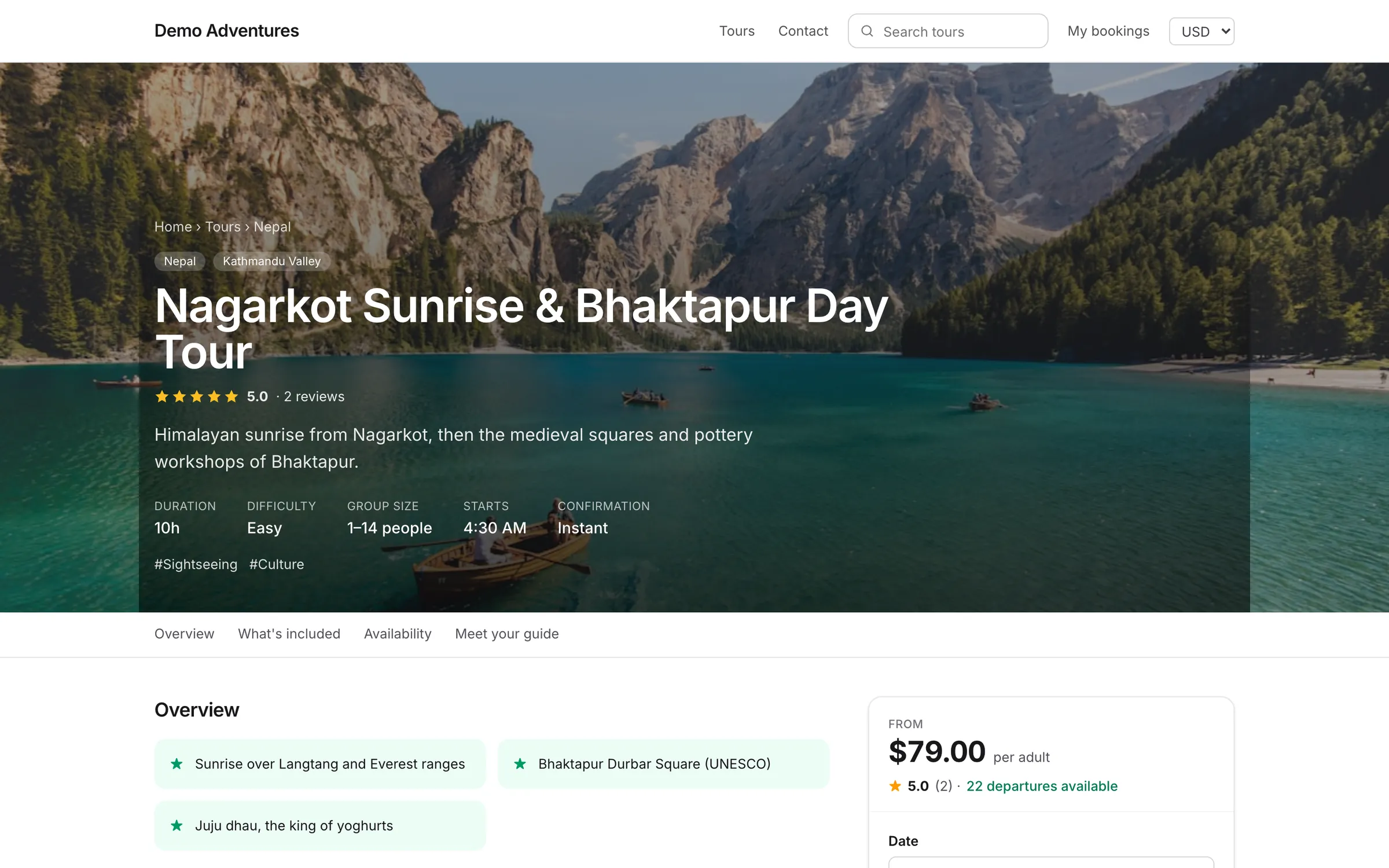
A tour is anything travellers book: a day tour, a multi-day trip, a rental or a pass. Each has its own page with prices, dates and a booking form, and you can create unlimited tours on every plan.
The itinerary is planned in the full-screen trip builder: days on the left, the selected day as a timeline in the middle, and details, the map and checks on the right. Type /drive Pokhara 5h or /hotel to add an item, drag items between days, and reuse saved days and places across tours. Drafts autosave; travellers see the published version until you publish again.
Capabilities
What's included
-
Full-screen trip builder
Activities, transfers, flights, stays, meals, permits and notes per day, with times, distance, ascent and who sees each item: travellers, guides or only your team.
-
Places and maps
A reusable places library with coordinates and altitude, a map of each day and the whole trip, and an altitude profile drawn automatically.
-
Checks as you go
Days that don't match the tour length, nights without a place to sleep, overlapping times and more than 500 m of gain a night above 3,000 m.
-
Library and versions
Save days and blocks to reuse on any tour, one itinerary per tour option, and every published version to compare or restore.
-
Highlights, inclusions and FAQs
Reasons to book, what's included and not, trip facts and labels, and FAQs also shown in Google through structured data.
-
Media and PDF itinerary
Gallery, video, Kuula and Matterport 360° tours, downloads, and a branded itinerary PDF with cover, map and day pages.
How it works
Trip builder, step by step
- 1
Create the tour
Name, type, duration and a short summary.
- 2
Build the itinerary
Day by day in the trip builder, from your places and saved days.
- 3
Set prices and dates
Options, traveller types and departures.
- 4
Publish
When the checklist is complete, publish and view it live.
Integrations
Extend trip builder
Switch these on in one click from your console.
Operations
Traveller details
Collect passport, date of birth, dietary needs and emergency contacts after booking, per traveller. Checkout stays short; you get everything before the trip.
Sales
Hotel rooms
Add hotel rooms to your tour packages so travellers book accommodation and the tour in one checkout. Single, twin and double rooms with a single supplement, extra nights before and after, rooming lists for your hotels.
Operations
Tour guides
Create guide profiles and assign them to departures. Show guide bios and photos on tour pages. Automatically notify guides when new bookings are confirmed.
Operations
Suppliers & contracts
Everything you buy in one place, used by quotes, the trip builder, departures and Costs & profit. Supplier directory, contracts and rate seasons, supplier bookings, and bills & payables (Growth): contacts, licences with expiry alerts, encrypted bank details, rates by season and travellers, requests and confirmations in the supplier’s language, bills with due dates, pay runs and sync to your accounting. Allotments (Scale): rooms and seats per date with automatic release and stop-sell.
Sales
Quotes & proposals
For tailor-made and private trips: build a day-by-day itinerary from your suppliers’ rates, see your margin as you go, and send a beautiful proposal. The traveller accepts online and it becomes a booking with the deposit to pay.
Is there a limit on tours?
No. Every plan includes unlimited tours.
Is the trip builder on every plan?
Yes. The builder, places, maps and PDF itinerary are included on every plan; supplier costs and margins come with Quotes & proposals and Suppliers on Growth.
Can I translate itineraries?
Yes. Pick a website language in the builder's top bar and translate days and items in place.
Related features
Works well with
Start selling tours direct
Try Tourtify free for 30 days. Add your tours, pick a theme and take your first booking today.