Operations · Booking management
Every booking, organised around what to do next
One list for website, staff and partner bookings, with views for upcoming trips, balances to collect and payments to check, and a booking page with everything in one place.
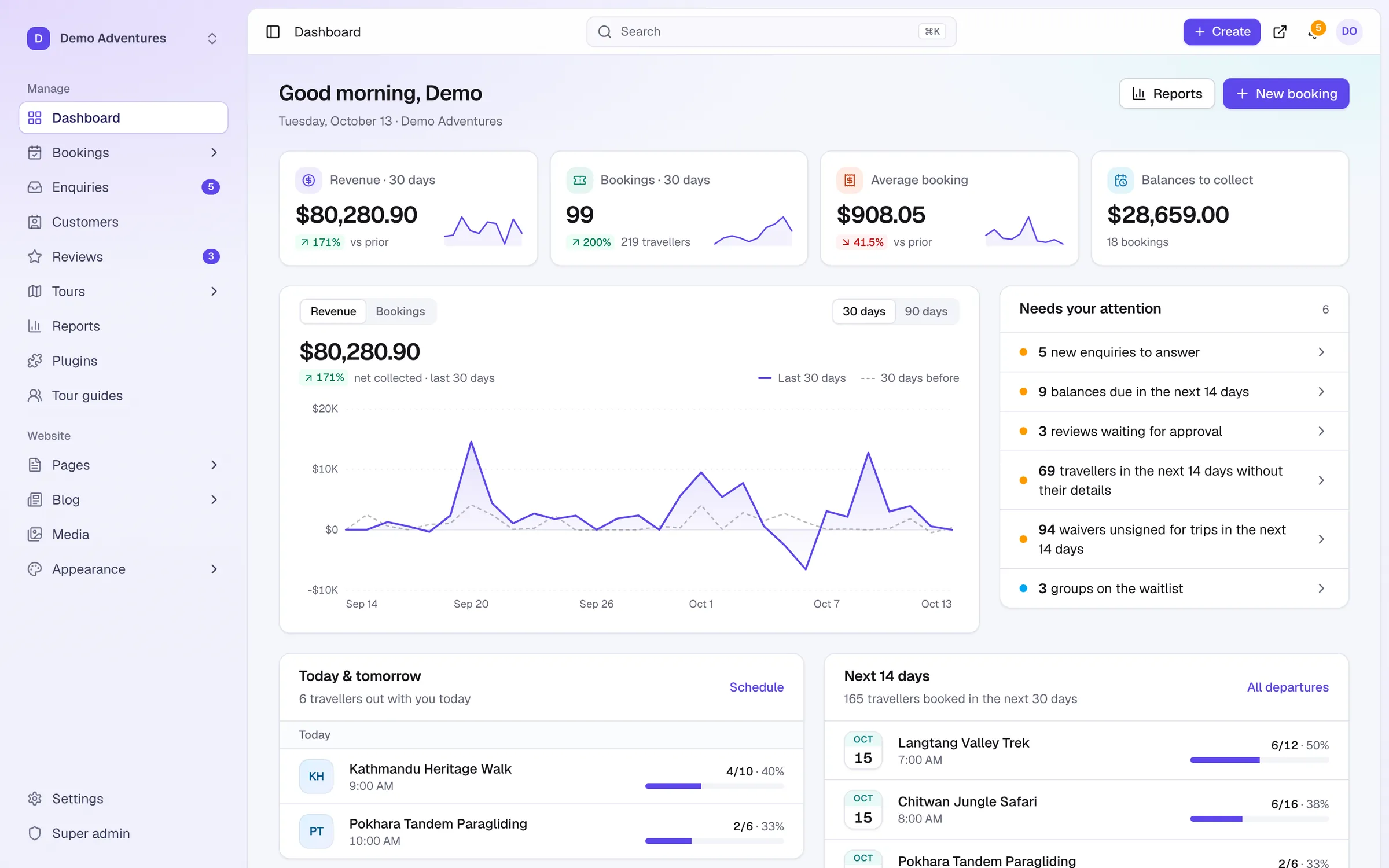
Overview
Booking management at a glance
Every booking lands in one list, wherever it came from. Views across the top match your day: upcoming trips, balances to collect, checkouts awaiting payment, past trips and cancellations.
Open a booking to see the money, the trip, every payment and refund, traveller details and a full activity timeline, with internal notes only your team can read. Send payment links, reminders and confirmations from the same screen.
Capabilities
What's included
-
Task-based views
Upcoming trips, balance to collect, awaiting payment, past trips and cancelled.
-
Search and filters
By reference, name or email, tour, status, channel and trip dates.
-
Clear statuses
Pending payment, deposit paid, confirmed, completed, cancelled and expired.
-
Everything on one page
Money, trip, payments, traveller details, customer and an activity timeline with notes.
-
Quick actions
Record payment, email a payment link, resend confirmations, download PDFs, refund or cancel.
-
Bulk and export
Send payment links in bulk and export any list to CSV.
Organise the day around what needs doing
A booking list sorted by date tells you what happened. What a team needs each morning is what to do next: whose payment is stuck, whose balance is overdue, which trips leave this week. The views across the top of Bookings answer those questions one at a time, so nobody has to scroll a long list hoping to spot problems.
Worked example: a fifteen-minute morning routine
Start with Awaiting payment. It shows checkouts that were started but not paid, and payments to check. A booking flagged Payment amount didn't match: needs review comes first: compare the amount and currency in your provider's dashboard, then record or refund the difference.
Then open Balance to collect and filter Trips from today to 30 days ahead. Select the bookings and choose Email payment link to send every traveller a secure link in one go. Bookings past their due date show Overdue since on the booking page, and those travellers may deserve a phone call rather than another email.
Finish with Upcoming trips, sorted by Soonest trip. Open each departure leaving in the next few days and check the notes. If a traveller wrote vegetarian; arriving a day early, make sure the hotel and guide know.
Statuses that explain themselves
Pending payment means the traveller is at checkout with seats held, or a payment is being checked. Expired means the checkout was not paid in time and the seats went back on sale. Deposit paid means a balance is still due. Confirmed means paid in full or confirmed by your team; Completed means the trip has run; Cancelled means you cancelled it.
Late payments are handled for you. If a traveller pays just after their checkout expired and seats are still free, the booking is reinstated automatically. If the seats have gone, it is flagged so you can refund the traveller or add capacity.
Notes, the timeline and phone bookings
The activity timeline records the booking starting, payments arriving, emails sent and refunds. It is the first place to look when a traveller says they never received something. Internal notes sit in the same timeline and are seen only by your team, so a colleague picking up the booking tomorrow sees the whole story.
Money that arrives outside the website goes in with Record payment: bank transfer, cash, card terminal or other, with a note for the reference. The traveller receives a receipt showing what is left to pay. Bookings your team creates appear in the same list under the Added by staff channel, using the same seats as online bookings.
Finding one booking fast
Search bookings looks up a reference, a name or an email. Click a row for a quick preview, enough to answer how much is still owed, or choose Open booking for the full page. Filters narrow the list by tour, status, channel and trip dates, and you can sort by Newest first or Soonest trip.
On a phone, the channel and date filters sit behind More filters, so the list stays readable when you are away from the office.
Common mistakes to avoid
Recording a bank transfer that was also paid online, which makes the booking look overpaid; check Payments on the booking first. Keeping important information in personal email instead of a note on the booking. Cancelling when the traveller only wants another date, since a cancelled booking cannot be reopened. And exporting the whole list when you need one tour: filter first, because Export downloads the current list.
How it works
Booking management, step by step
- 1
Pick a view
For example, balance to collect.
- 2
Open a booking
See money, trip and history together.
- 3
Act
Send a link, record a payment or add a note.
Integrations
Extend booking management
Switch these on in one click from your console.
Payments
Deposits & instalments
Take a deposit at booking and collect the balance later. Deposits (Starter): automatic card charges, reminders, retries and personal payment links for the balance. Instalment plans (Growth): let travellers pay the balance in equal scheduled payments.
Operations
Traveller details
Collect passport, date of birth, dietary needs and emergency contacts after booking, per traveller. Checkout stays short; you get everything before the trip.
Operations
Waivers & consent
Each traveller signs your waiver or terms online before the trip, or on site. We keep the exact text they signed, with time, IP and a tamper-evident seal.
What is the difference between Pending payment and Expired?
Pending payment means the seats are still held while the traveller pays or a payment is checked. Expired means the checkout was not paid in time and the seats went back on sale.
Does recording a cash payment send the traveller a receipt?
Yes. The Payment received email is sent for payments recorded by your team as well as online ones, with what is left to pay.
What does Overdue since mean on a booking?
The balance due date has passed and money is still owed. Send a payment link or contact the traveller.
What if a traveller pays just after checkout expired?
The booking is reinstated automatically when seats are still free; otherwise it's flagged for a refund.
Who can manage bookings?
Owners, admins and sales agents; guides can view bookings and check travellers in.
Can I export bookings?
Yes. Export the current list to CSV at any time.
Related features
Works well with
Start selling tours direct
Try Tourtify free for 30 days. Add your tours, pick a theme and take your first booking today.